









































Updated October 2026 · For medical, dental and healthcare practice managers
Healthcare runs on connectivity: electronic health records, e-prescribing, imaging, telehealth and phones all depend on the internet. A slow or dropped connection delays care and frustrates patients and staff. Practices also handle sensitive data, so the network has to be secure as well as fast.
This guide covers what medical and dental practices need from their internet and Wi-Fi.
- Practices need reliable, symmetrical bandwidth for cloud EHR, imaging and telehealth.
- Patient Wi-Fi must be completely separate from clinical systems.
- A backup connection keeps scheduling, records and phones online.
- Monitoring and managed security support compliance efforts.
What Healthcare Practices Depend On
- Cloud electronic health records and practice management.
- Digital X-rays and imaging uploads.
- Telehealth video visits.
- E-prescribing and insurance verification.
- Phones and patient communication.

Speed and Reliability
Imaging files and video visits need fast uploads, so symmetrical service matters. dedicated fiber and fixed wireless internet in Detroit both deliver it. Pair the main line with 5G SD-WAN backup so records and scheduling stay available if the connection is cut.
Separate Networks for Patients and Clinical Systems
| Network | Who uses it |
|---|---|
| Clinical | Workstations, imaging, EHR |
| Staff | Office devices, phones |
| Patient Wi-Fi | Guests in the waiting room |
| Devices | Cameras, building systems |
Patient Wi-Fi should never be able to reach clinical systems. Segmentation and a managed firewall keep them apart.
Security and Compliance Basics
- Encrypted Wi-Fi for staff networks.
- Managed firewall and up-to-date equipment.
- Secure remote access for providers working offsite.
- Monitoring and logs to support compliance programs.
Your compliance program covers much more than the network, but the network should support it rather than create risk.
Telehealth Readiness
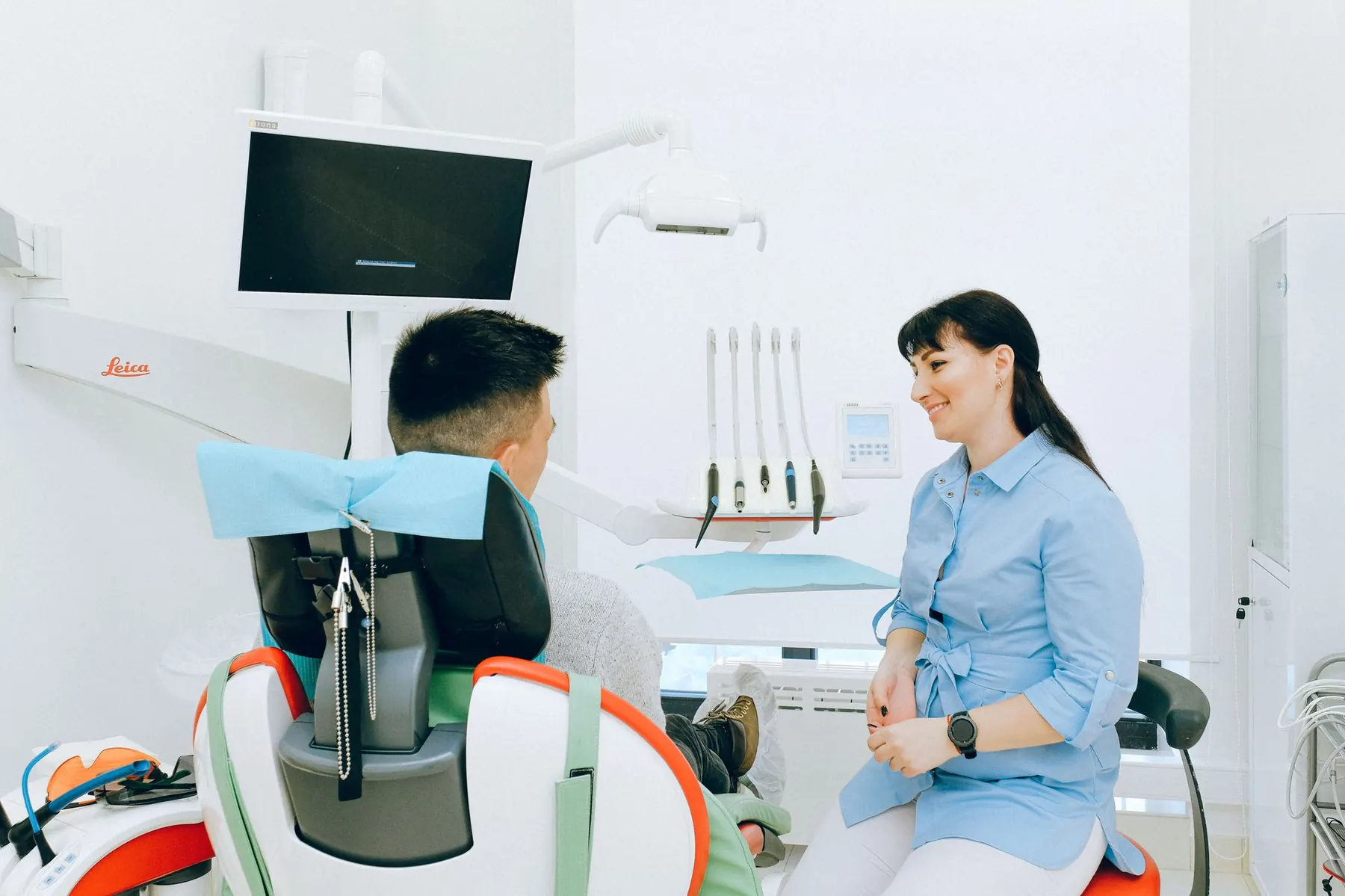
Video visits need steady upload and low latency, especially when several providers see patients at once. Prioritize telehealth traffic with Quality of Service settings, test from each exam room, and keep a backup connection so a cut cable does not cancel a clinic’s afternoon schedule.
Questions to Ask Your Provider
- Can you guarantee bandwidth and upload speed?
- How will patient Wi-Fi be separated from clinical systems?
- What backup connection do you recommend?
- Do you monitor the network 24/7?
- Can you support multiple office locations?
Multi-Location Practices
Practices with several offices benefit from consistent networks at every site. 5G SD-WAN links locations securely, routes traffic over the best connection and gives one view of the whole network.
Healthcare Connectivity From Cronus
Cronus provides internet, managed Wi-Fi, backup and phones to practices across Detroit, with 24/7 local monitoring so problems are caught before the waiting room fills up.
Keep your practice connected
Get a network plan built for clinical and patient needs.
Frequently Asked Questions
What internet speed does a medical office need?
Small practices often need 100 to 300 Mbps of symmetrical bandwidth; practices with imaging and telehealth usually need more.
Should patient Wi-Fi be separate?
Yes. Patient Wi-Fi should be on its own network that cannot reach clinical systems.
Do practices need backup internet?
If downtime disrupts scheduling, records or phones, a backup connection is strongly recommended.