








































Updated October 2026 · For businesses that cannot afford to go offline
When the internet goes down, so do card payments, phones, cloud software and cameras. Most outages are not the provider’s fault at all: a construction crew cuts a line, a pole is hit, or a storm takes down power. The only real protection is a second connection that takes over automatically.
This guide explains how failover works, the backup options available, what downtime costs and how to design redundancy that holds up.
- Failover switches to a backup connection automatically when the main line fails.
- The backup should use a different path and technology than the primary.
- 5G, fixed wireless and Starlink are the most common backup options.
- For most businesses, one day offline costs more than a year of backup.
How Internet Failover Works
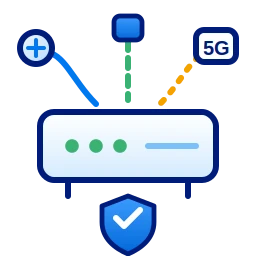
A failover-capable router connects to two or more internet services. It constantly checks each one; if the primary stops responding, traffic moves to the backup within seconds and moves back when the primary recovers. Advanced SD-WAN routers can even keep voice calls connected during the switch.
The Real Cost of Downtime
Add up lost sales when card readers stop, idle staff who cannot reach cloud systems, missed calls and the time spent recovering. For a busy restaurant, retail store or office, even a few hours offline can cost thousands of dollars, plus the damage to customer trust. Backup service usually costs a small fraction of that.
Five Backup Options
| Option | Strengths | Watch for |
|---|---|---|
| 5G / LTE | Fast to deploy, no construction | Coverage and data limits |
| Fixed wireless | High speed, different path from cable | Needs line of sight |
| Second wired line | Familiar, simple | May share the same cable route |
| Starlink | Works almost anywhere | Needs clear sky view |
| SD-WAN bonding | Combines links, smooth failover | Requires managed router |
Design Redundancy That Actually Works
- Use a different technology and physical path for the backup.
- Avoid two services that enter the building through the same conduit.
- Put the router, modems and switches on battery backup.
- Test failover regularly, not just at installation.
- Monitor both connections so a failed backup is noticed before you need it.

Backup for Different Businesses
- Restaurants and retail: keep point-of-sale and online orders running.
- Offices: keep phones, video calls and cloud apps available.
- Healthcare: protect access to records and scheduling.
- Property managers: keep access control and cameras online.
Power: The Forgotten Part of Redundancy
Backup internet does little if the router loses power. Put the modem, router, switches and phone system on a battery backup sized to keep them running through short outages, and consider generator power for critical sites. Many outages that look like internet problems are really power problems at one piece of equipment.
Questions to Ask a Backup Provider
- Does the backup use a different path and technology than my main line?
- How quickly does failover happen, and will calls drop?
- Is the backup monitored so I know it works before I need it?
- What data limits apply on cellular backup?
- Who do I call when the primary fails?
How Cronus Provides Backup
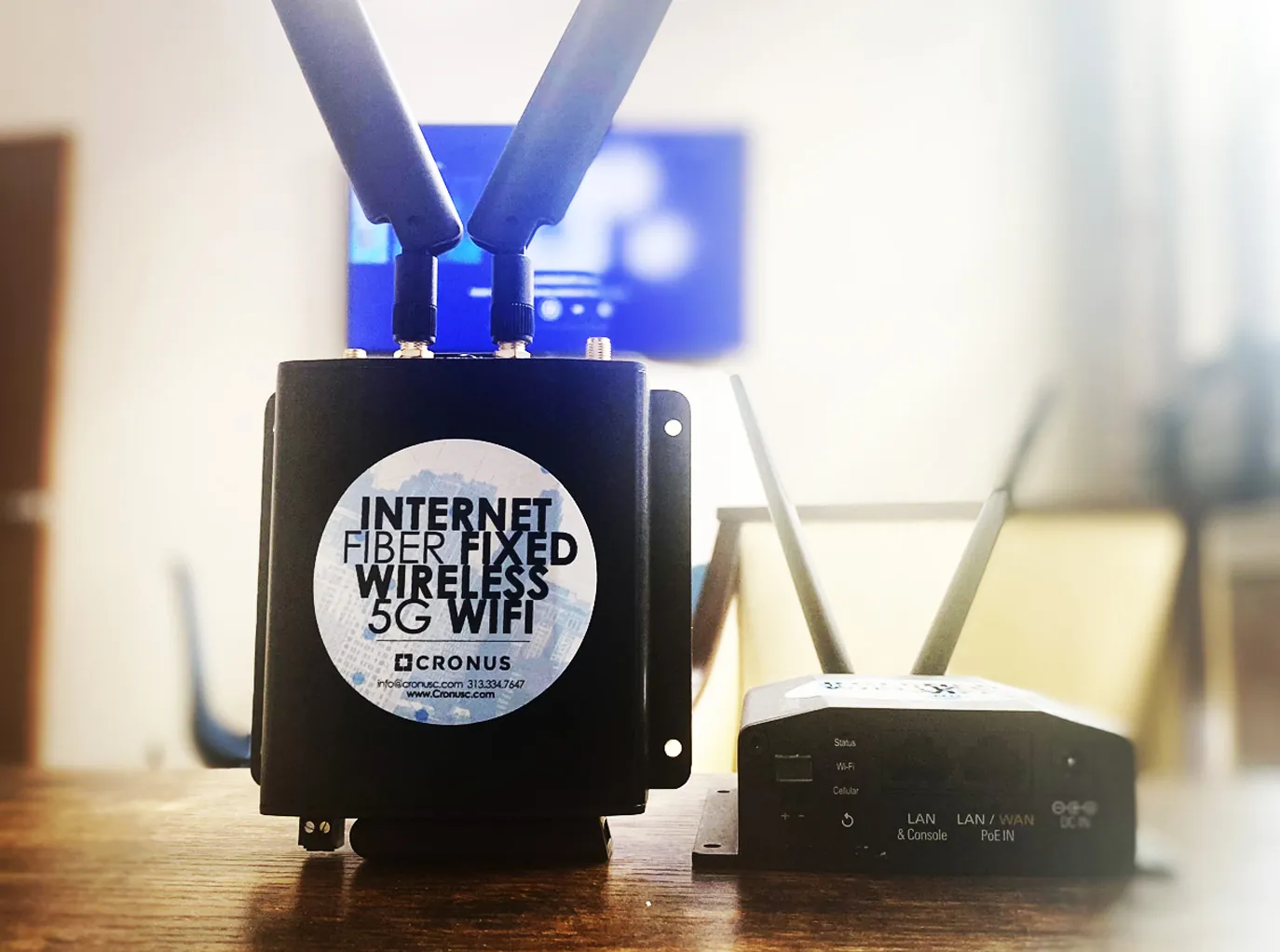
Cronus designs failover with 5G SD-WAN, fixed wireless or Starlink, configures the router and monitors both connections 24/7 from Detroit. If your primary line fails, you stay online and we start working on the fix.
Protect your business from outages
Get a backup internet plan for your location.
Frequently Asked Questions
What is internet failover?
Failover automatically moves your traffic to a backup internet connection when the primary connection fails, then switches back when it recovers.
What is the best backup internet for a business?
The best backup uses a different technology and path than your primary line. 5G and fixed wireless are common choices for businesses on fiber or cable.
How fast does failover happen?
With a properly configured router, failover typically happens within seconds.
Is a second cable line a good backup?
Only if it takes a different physical path. Two services in the same conduit can be cut at the same time.