






























Updated October 2026 · For businesses that run on cloud software
Email, phones, accounting, CRM, file storage and even point-of-sale now live in the cloud. That makes your internet connection the most important piece of your IT. When it is slow or down, everything is.
Here is how to set up connectivity so cloud apps stay fast and available.
- Cloud apps need upload capacity, low latency and reliability.
- Redundancy matters more when everything is in the cloud.
- SD-WAN steers critical apps over the best connection.
- Security moves to the network edge and identity.
What Cloud Apps Need From Your Connection
| Need | Why |
|---|---|
| Symmetrical bandwidth | Uploads to cloud storage and video calls |
| Low latency | Responsive apps and clear calls |
| Reliability | No connection means no work |
| Backup path | Stay productive during outages |

Common Cloud Performance Problems
- Slow uploads on cable plans.
- Congestion at busy times on shared connections.
- Weak Wi-Fi making apps feel slow.
- Traffic routed through distant offices or VPNs.
- Single connection with no failover.
Build in Redundancy
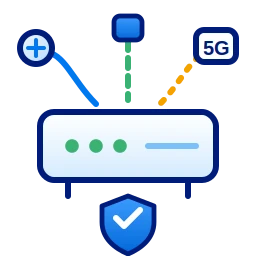
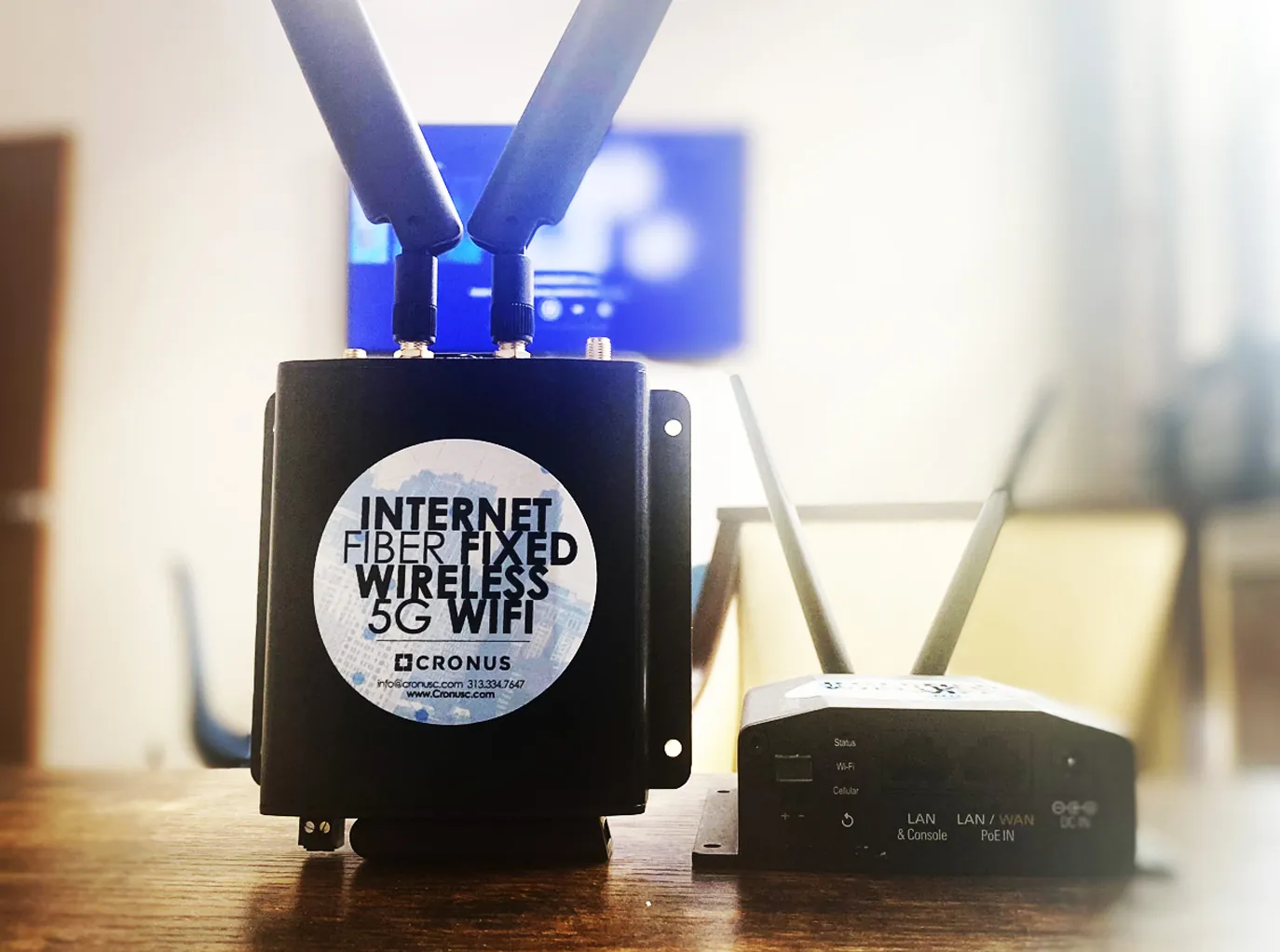
When every app is in the cloud, an outage stops the whole business. Pair dedicated fiber or fixed wireless internet in Detroit with backup internet over a different path, and make sure the router switches automatically.
Use SD-WAN for Smart Routing
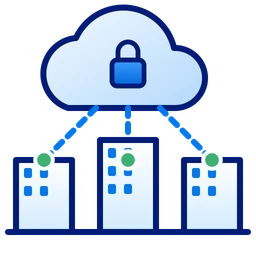
SD-WAN measures each connection and sends voice, video and critical apps over the best one, while backups and updates use spare capacity. It also gives direct, secure access to cloud services without routing everything through headquarters. See our SD-WAN guide.
Security for a Cloud-First Business
- Multi-factor authentication on every cloud account.
- Managed firewall with web filtering.
- Separate networks for staff, guests and devices.
- Secure remote access instead of open ports.
Planning Your Cloud Connectivity
- List your cloud apps and which are critical.
- Measure current bandwidth, latency and outages.
- Size a primary connection with headroom for growth.
- Add a diverse backup and SD-WAN.
- Monitor performance continuously.
Make your cloud apps fast and reliable
Get a connectivity plan from a local team.
Frequently Asked Questions
What internet do cloud apps need?
Reliable, symmetrical bandwidth with low latency and a backup connection.
Why are cloud apps slow even with fast internet?
Common causes are slow uploads, Wi-Fi problems, latency or traffic routed through a distant VPN.
Does SD-WAN help cloud performance?
Yes. It routes critical cloud traffic over the best available connection and adds failover.