



































Updated October 2026 · For anyone troubleshooting a slow wired connection
Your computer’s network adapter shows a link speed for receive and transmit, such as 100/100 Mbps or 1000/1000 Mbps. That number is the speed your device negotiated with the router or switch, and it sets the ceiling for everything you do on the wired network.
If your link speed is lower than it should be, here is how to find the cause and fix it.
- Link speed is negotiated between your device and the switch or router port.
- A 100 Mbps link on gigabit equipment usually means a cable or port problem.
- Check the cable, the port, adapter settings and drivers, in that order.
- Link speed is not the same as your internet plan speed.
What Receive and Transmit Link Speed Means
Receive (Rx) is how fast your device can take in data on the wire; transmit (Tx) is how fast it can send. On a healthy gigabit connection both read 1 Gbps. If either reads 100 Mbps, the connection has fallen back to an older standard.
How to Check Your Link Speed
- Windows: Settings → Network & internet → Ethernet, then look at Link speed (Receive/Transmit).
- Mac: System Settings → Network → Ethernet → Details → Hardware.
- Linux: run
ethtool eth0(replace eth0 with your adapter name).
Step-by-Step Fixes
- Replace the cable. Use Cat5e or Cat6. A damaged cable or one with a broken pair often drops to 100 Mbps.
- Try another port on the router or switch, and confirm the port supports gigabit.
- Set the adapter to Auto-negotiate. In Windows Device Manager, open the adapter → Advanced → Speed & Duplex → Auto Negotiation.
- Update the network driver from the adapter or computer manufacturer.
- Check for older equipment in between, such as a 10/100 switch or wall jack.
Wi-Fi Link Speed Is Different
On Wi-Fi, link speed changes constantly with distance, walls and interference, so receive and transmit numbers often differ. To improve Wi-Fi link speed, move closer to the access point, use the 5 GHz or 6 GHz band, update the adapter driver and replace older access points that only support older Wi-Fi standards. In offices, a professionally designed managed Wi-Fi network places access points so every desk gets a strong signal.
Common Causes at a Glance
| Symptom | Likely cause | Fix |
|---|---|---|
| Link shows 100 Mbps | Damaged or old cable, 10/100 port | Replace with Cat5e/Cat6, use gigabit port |
| Link drops in and out | Loose connector or bad jack | Re-terminate or replace the jack |
| Link set to 100 Mbps | Adapter forced to 100 Mbps | Set Speed & Duplex to Auto |
| Slow despite 1 Gbps link | Internet plan or upstream bottleneck | Upgrade plan or provider |
Testing After the Fix
Once the link shows 1 Gbps, run a speed test to a nearby server and copy a large file across the local network. Local file copies should approach 100 megabytes per second on a gigabit link. If local transfers are fast but internet speed is still low, the limit is your internet connection rather than your network.
Link Speed vs Internet Speed
A 1 Gbps link only means your local connection can carry a gigabit. Your actual internet speed depends on your plan and provider. If your link is healthy but internet is still slow, the bottleneck is upstream.
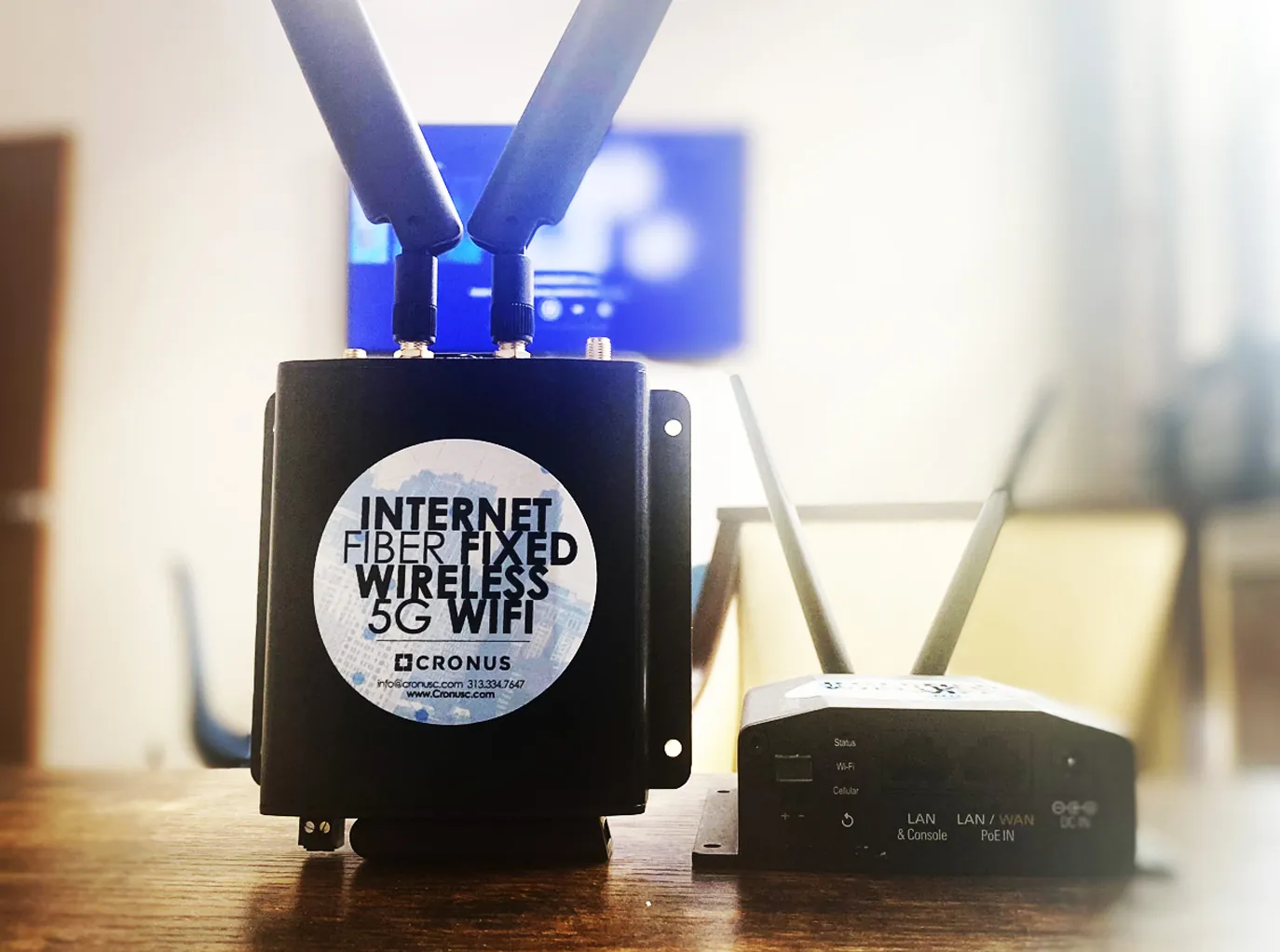
Businesses that need faster, guaranteed bandwidth can upgrade to dedicated fiber or fixed wireless with symmetrical speeds.
Is your business internet the bottleneck?
Cronus can test your connection and recommend the right speed.
Frequently Asked Questions
Why is my link speed only 100 Mbps?
Usually a damaged or low-grade cable, a port that only supports 100 Mbps, or adapter settings forced to 100 Mbps. Replacing the cable fixes most cases.
Should receive and transmit link speeds match?
On a wired Ethernet connection they normally match. Different values are more common on Wi-Fi, where signal conditions vary.
Will a faster link speed make my internet faster?
Only if the link was the bottleneck. If your plan is slower than your link, upgrading the plan is what increases internet speed.