











































Updated October 2026 · For office managers and small IT teams
Slow, spotty office Wi-Fi drains productivity and fills meetings with frozen video. The good news is that most Wi-Fi problems have a handful of causes, and each has a clear fix.
This guide covers why office Wi-Fi struggles, how to troubleshoot it and when managed Wi-Fi is the better answer.
- Most problems come from placement, interference, capacity or an undersized internet connection.
- Multiple access points beat one powerful router.
- Separate networks for staff, guests and devices improve speed and security.
- Managed Wi-Fi keeps the network tuned and monitored.
Why Office Wi-Fi Struggles
- One router trying to cover a whole floor.
- Walls, glass, elevators and metal blocking signal.
- Neighboring networks crowding the same channels.
- Too many devices on too few access points.
- An internet connection that is the real bottleneck.

Quick Troubleshooting Checklist
- Test speed on a wired computer to rule out the internet connection.
- Restart the router and access points.
- Check for firmware updates.
- Move away from crowded 2.4 GHz to 5 GHz or 6 GHz.
- Note where and when the problem happens; patterns point to the cause.
Design Fixes That Work
| Problem | Fix |
|---|---|
| Dead zones | Add access points; do not just boost power |
| Slow in meetings | Dedicated capacity in conference rooms |
| Drops when moving | Enable roaming between access points |
| Interference | Plan channels and use 5/6 GHz |
| Guests slow staff | Separate, speed-limited guest network |
When the Wi-Fi Network Is Down
If no one can connect, check power to the router and switch, look for status lights, and confirm the internet connection is up from a wired device. If the internet is down, a backup connection keeps you online; see our guide to backup internet.
Managed Wi-Fi
Managed Wi-Fi means a provider designs, installs, monitors and updates your network. Problems are often fixed before anyone notices, and settings stay correct as the office changes. Cronus provides managed Wi-Fi with our internet service and 24/7 monitoring from Detroit.

Plan for How Your Office Is Used
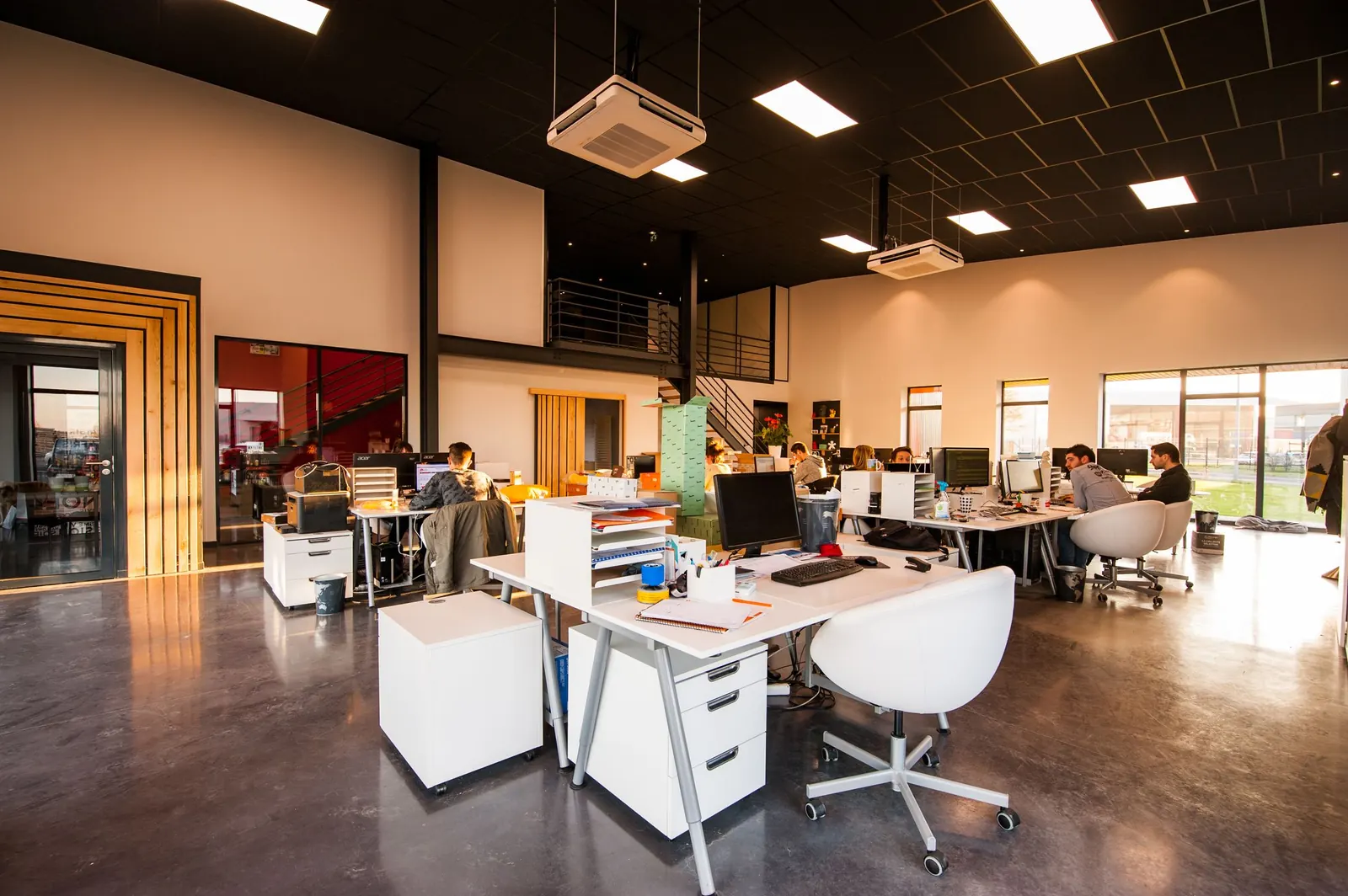
Coverage maps are not enough; capacity matters. A conference room that holds twelve people with laptops and phones needs its own access point. Open-plan areas with dense seating need more access points at lower power than a few loud ones. Walk the office at your busiest time and note where people actually work, then design around that.
Security Basics
- Use WPA2 or WPA3 encryption.
- Change default admin passwords.
- Keep guests and devices off the staff network.
- Update firmware regularly.
Tired of fighting your Wi-Fi?
Get a Wi-Fi assessment from a local team.
Frequently Asked Questions
Why is my office Wi-Fi so slow?
Common causes include too few access points, interference, crowded channels, too many devices or a slow internet connection.
Is a mesh system good for an office?
Business-grade access points with wired backhaul usually outperform consumer mesh in offices.
What is managed Wi-Fi?
A service where a provider designs, monitors and maintains your Wi-Fi network for you.