








































Updated October 2026 · For property owners, districts and operations teams
Cameras, people counters, environmental sensors, smart locks, digital signage and building controls are all Internet of Things (IoT) devices. Each one is small, but together they need a reliable, secure network that most office Wi-Fi was never designed for.
Here is how to connect IoT devices safely and reliably, from a single building to an entire district.
- IoT devices need reliable coverage, often outdoors.
- They must be isolated from staff and guest networks.
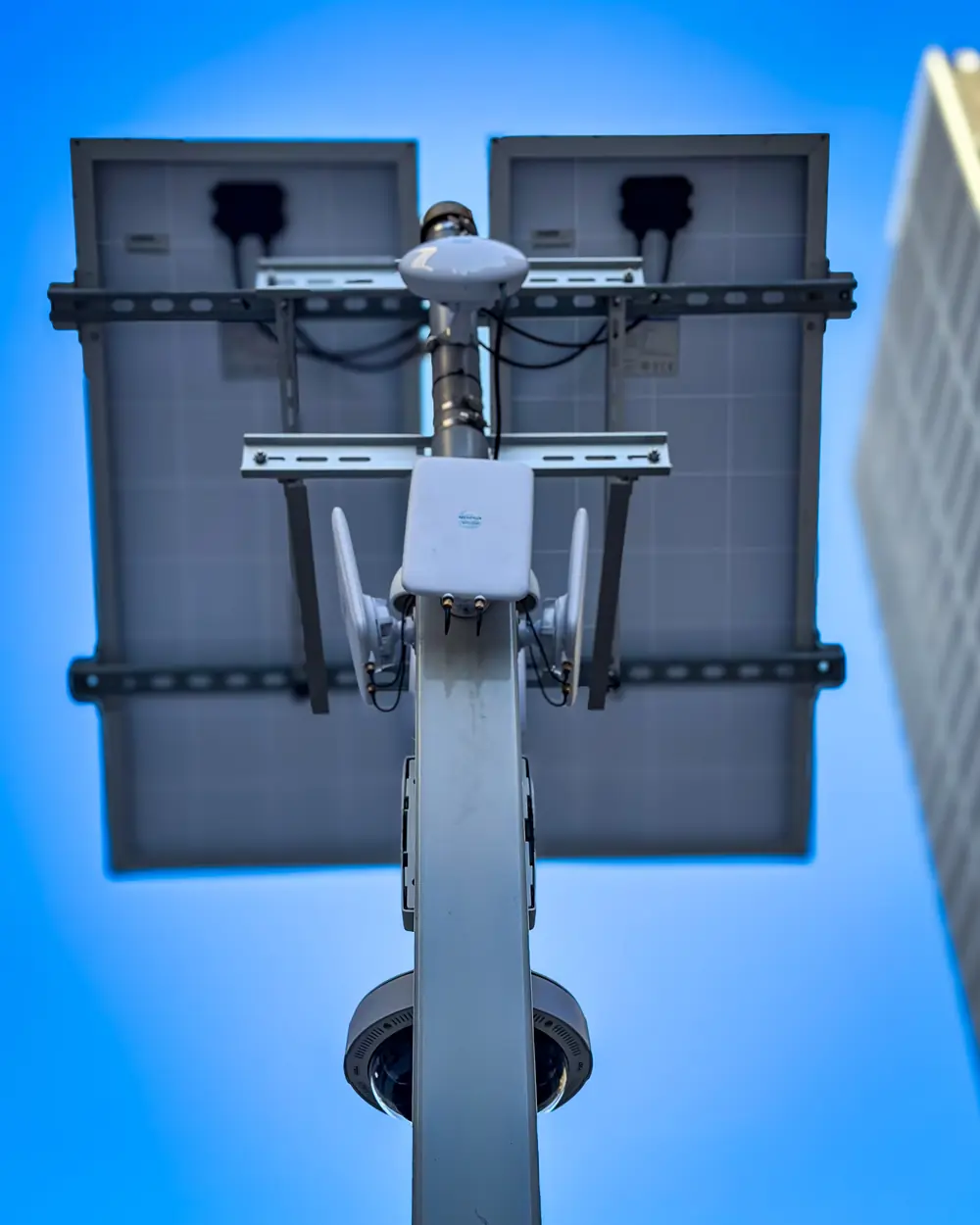
- Smart poles can combine Wi-Fi, cameras, speakers and sensors.
- Monitoring catches offline devices quickly.
Common IoT Devices
- Security cameras and license plate readers.
- People counters and occupancy sensors.
- Environmental sensors for air, noise and temperature.
- Smart locks, access control and intercoms.
- Digital signage and speakers.
- HVAC, lighting and energy controls.
Connectivity Options
| Option | Best for |
|---|---|
| Building Wi-Fi | Indoor devices |
| Outdoor Wi-Fi | Parks, plazas, parking |
| Point-to-point wireless | Linking poles, buildings and lots |
| Cellular / 5G | Remote or mobile devices |
| Wired Ethernet / PoE | Cameras and fixed equipment |
Security First
IoT devices are a favorite target because they are rarely updated. Put them on their own isolated network, change default passwords, update firmware and allow only the connections each device needs. Never let IoT devices share a network with payments or staff computers.
Smart Districts in Detroit
Cronus builds connected districts where one network carries public Wi-Fi, cameras, speakers and people counting, like the Greektown Monroe Streetscape and Detroit’s public parks. Cameras can connect to the Detroit Police Real Time Crime Center. Learn more on our Smart Districts page.

Monitoring IoT at Scale
With dozens or hundreds of devices, you need to know immediately when one goes offline. Central monitoring tracks every device, alerts staff and keeps a history for troubleshooting. Power backup keeps critical devices running during outages.
Planning an IoT Network
- Inventory devices and where they will be installed.
- Choose connectivity for each area, indoor and outdoor.
- Plan power, including PoE and battery backup.
- Design separate, secure IoT networks.
- Set up monitoring and alerts.
Connect your devices securely
Talk to the team behind Detroit’s smart districts.
Frequently Asked Questions
What is IoT connectivity?
The networks that connect devices such as cameras, sensors, locks and building systems to the internet and to each other.
Should IoT devices share Wi-Fi with staff?
No. IoT devices should be on their own isolated network.
Can one network handle Wi-Fi, cameras and sensors?
Yes, with segmentation. Smart districts commonly run all of them on one managed network.