











































Updated October 2026 · For warehouse, distribution and logistics managers
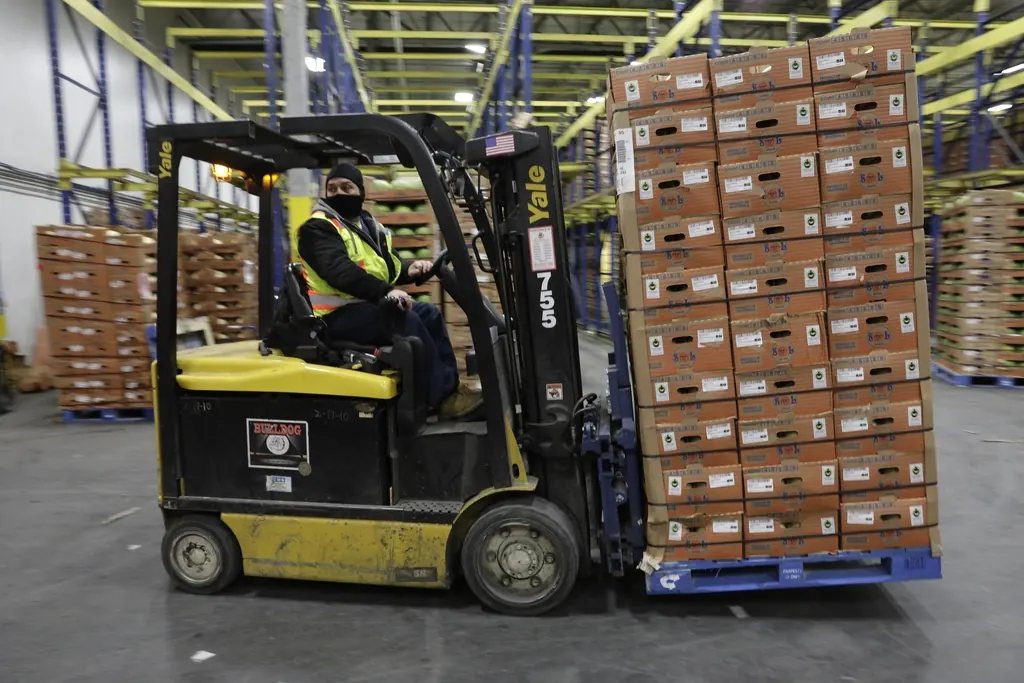
Warehouses run on handheld scanners, warehouse management systems, label printers and shipping software. Tall metal racks, large open spaces and loading docks make Wi-Fi coverage hard, and every dead zone slows picking and shipping.
Here is how to build a warehouse network that keeps orders moving.
- Scanners need seamless coverage between racks and aisles.
- WMS and shipping systems depend on a reliable internet connection.
- Docks and yards need outdoor coverage and cameras.
- Backup keeps shipments going during outages.
Why Warehouse Wi-Fi Is Hard
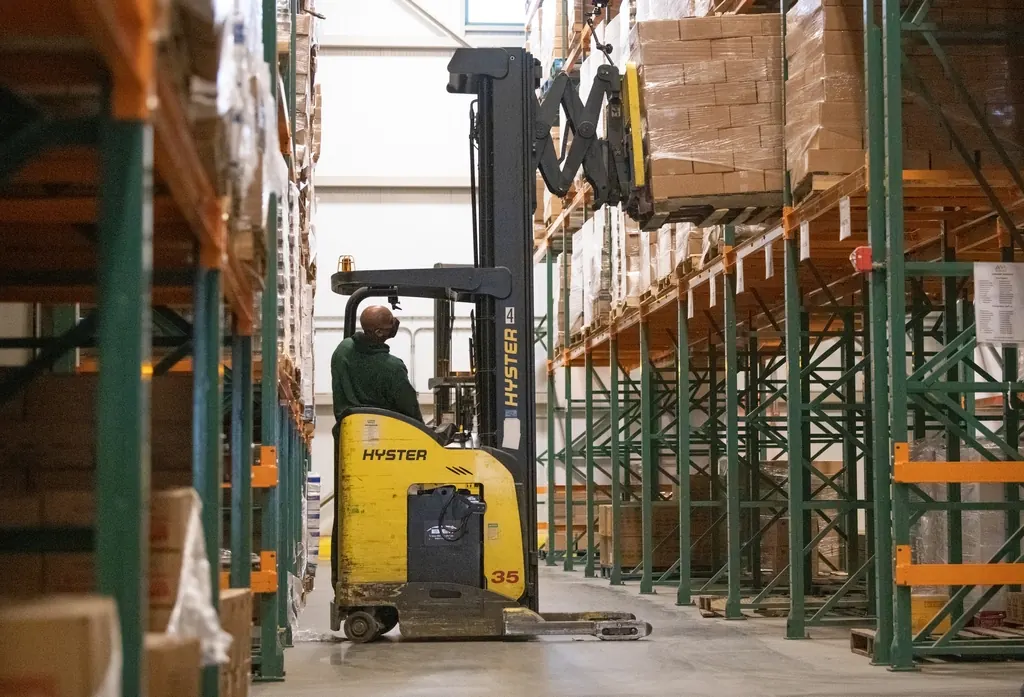
- Metal racks and inventory block and reflect signal.
- High ceilings change how access points must be mounted.
- Scanners roam constantly and drop on poor handoffs.
- Freezers, docks and yards need special equipment.
Designing Coverage
| Area | Design |
|---|---|
| Aisles and racks | Access points placed down aisles, tuned for roaming |
| Docks | Outdoor-rated access points, cameras |
| Yard | Long-range outdoor coverage |
| Office | Standard business Wi-Fi and phones |
Systems That Depend on the Network
- Warehouse management and inventory.
- Handheld scanners and label printers.
- Carrier and shipping software.
- Cameras at docks, gates and yards.
- Time clocks and access control.
Connectivity and Backup
Industrial areas often lack fiber. fixed wireless internet in Detroit can connect a warehouse within days, with backup internet so shipping never stops.

Security and Visibility
Cameras at docks, gates and high-value storage areas deter theft and help resolve shipping disputes. Remote viewing lets managers check activity after hours. Keeping cameras on their own network protects footage and stops video from slowing down scanners and shipping systems during busy shifts.
Planning Tips
- Survey with racks fully loaded, not empty.
- Test with the actual scanners you use.
- Separate scanner, camera and office networks.
- Monitor roaming and coverage after launch.
Frequently Asked Questions
Why do warehouse scanners lose Wi-Fi?
Racks and inventory block signal, and poor roaming between access points causes drops. A survey with racks loaded fixes it.
Can Wi-Fi cover a warehouse yard?
Yes, with outdoor long-range access points.
Is fixed wireless good for warehouses?
Yes. It connects industrial sites quickly where fiber is unavailable.