





















Updated October 2026 · For event planners, pop-up shops and field teams
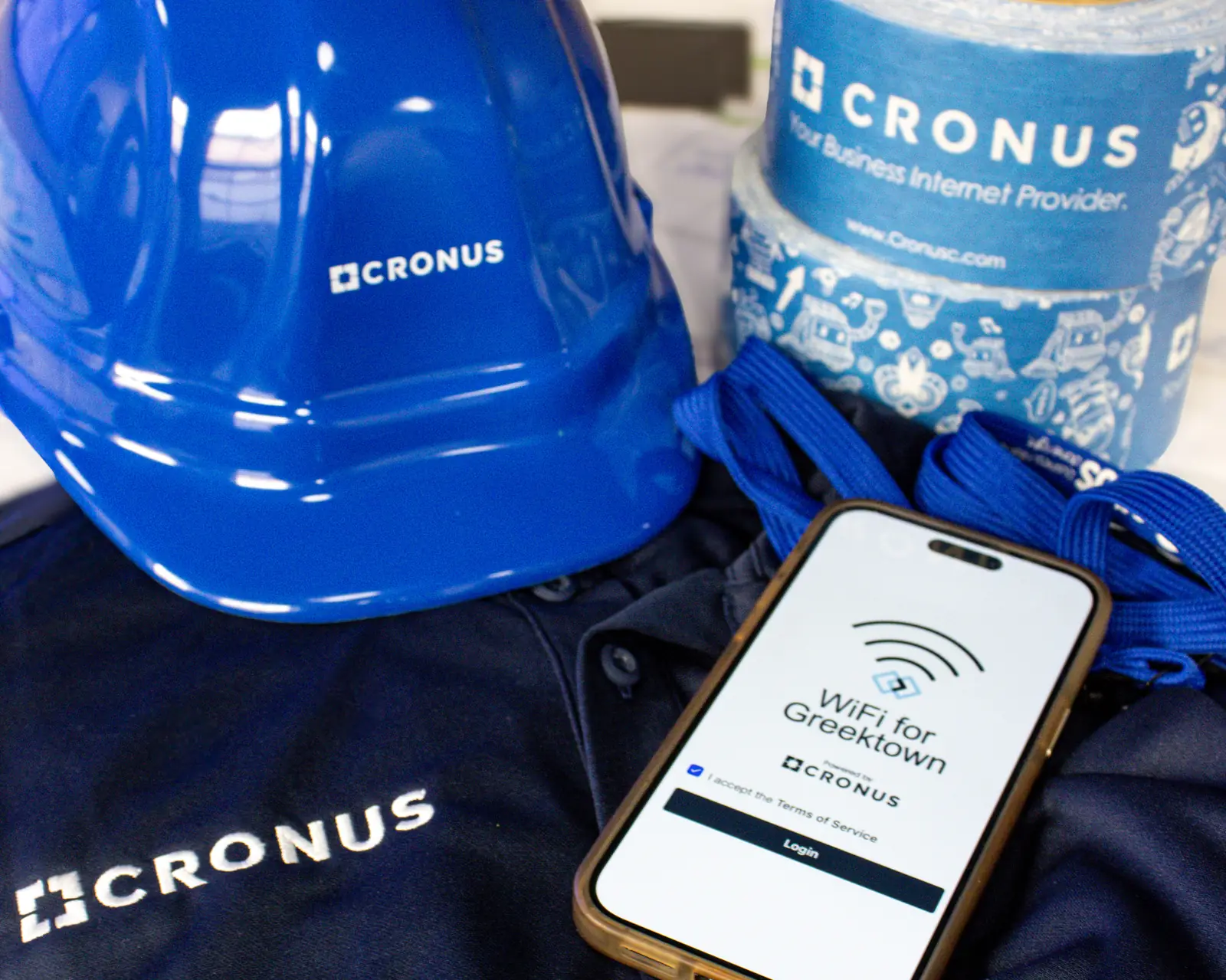
Sometimes you need internet somewhere that has none, and you need it today. The Cronus Wi-Fi Suitcase is a rugged, portable kit that brings business-grade internet and Wi-Fi to events, pop-up shops, film shoots, job sites and emergency operations in minutes.
Here is how it works and when it is the right tool.
- A rugged, plug-and-play case with internet and Wi-Fi built in.
- Uses multiple cellular carriers, with Starlink options for remote sites.
- Ready in minutes for small teams and pop-ups.
- Larger events get a fully designed temporary network.
What’s Inside
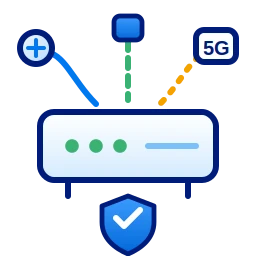
- A business-grade router that combines cellular carriers.
- Built-in Wi-Fi with secure networks for staff and payments.
- Battery and power options for outdoor use.
- Optional Starlink for locations without cellular coverage.
Where the Wi-Fi Suitcase Works Best
| Use | Why |
|---|---|
| Pop-up shops and markets | Card payments and inventory in minutes |
| Film and photo shoots | Uploads and video calls on location |
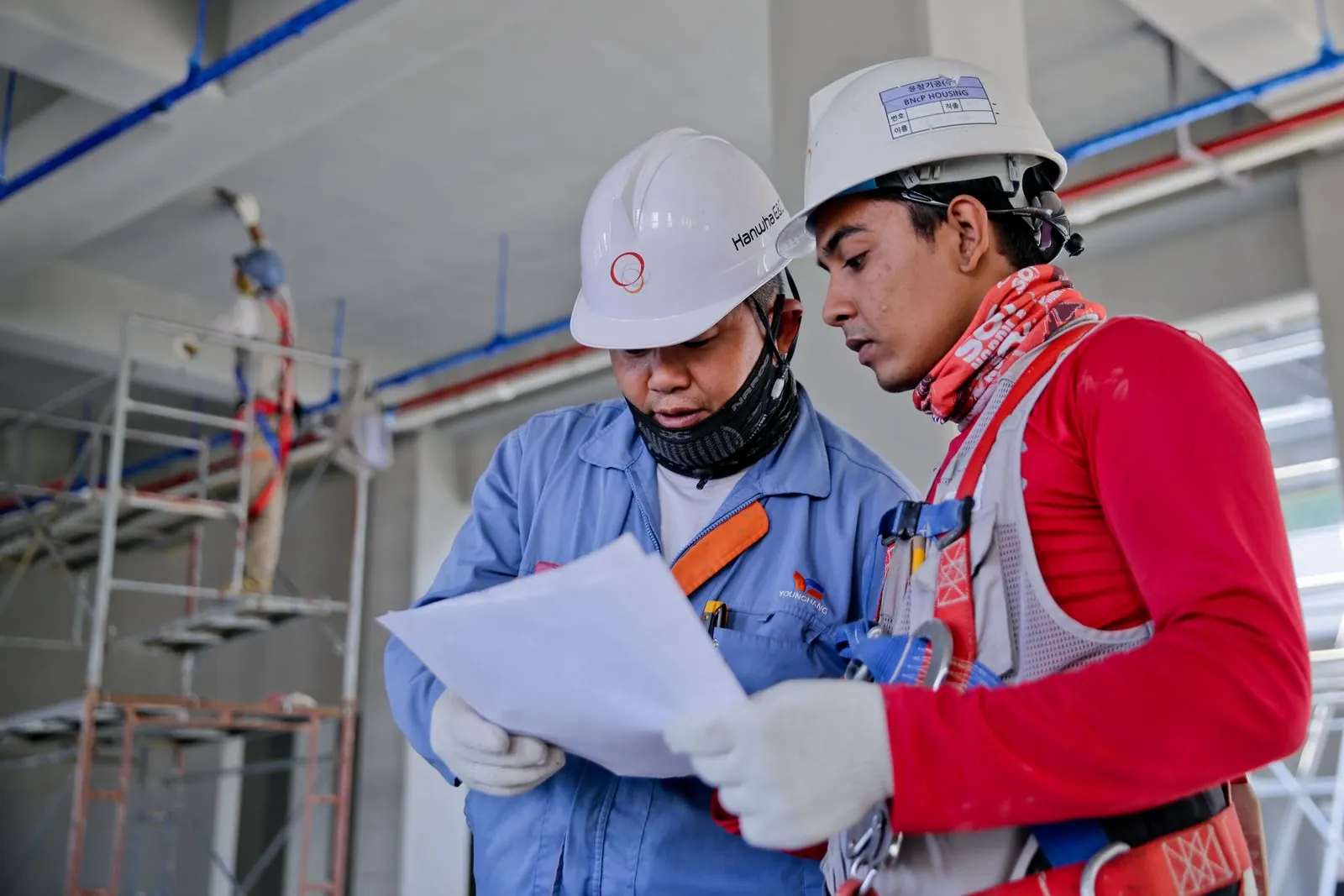
| Job-site trailers | Internet before permanent service |
| Small meetings and events | Reliable Wi-Fi for a few dozen people |
| Emergency operations | Connectivity when normal service is down |
How It Works
- Tell us where and when you need internet.
- We configure and test the kit for your location.
- Plug it in and connect; staff and payments are on separate networks.
- We monitor the connection and support you remotely.
- Return the case when you are done.
When You Need More Than a Suitcase
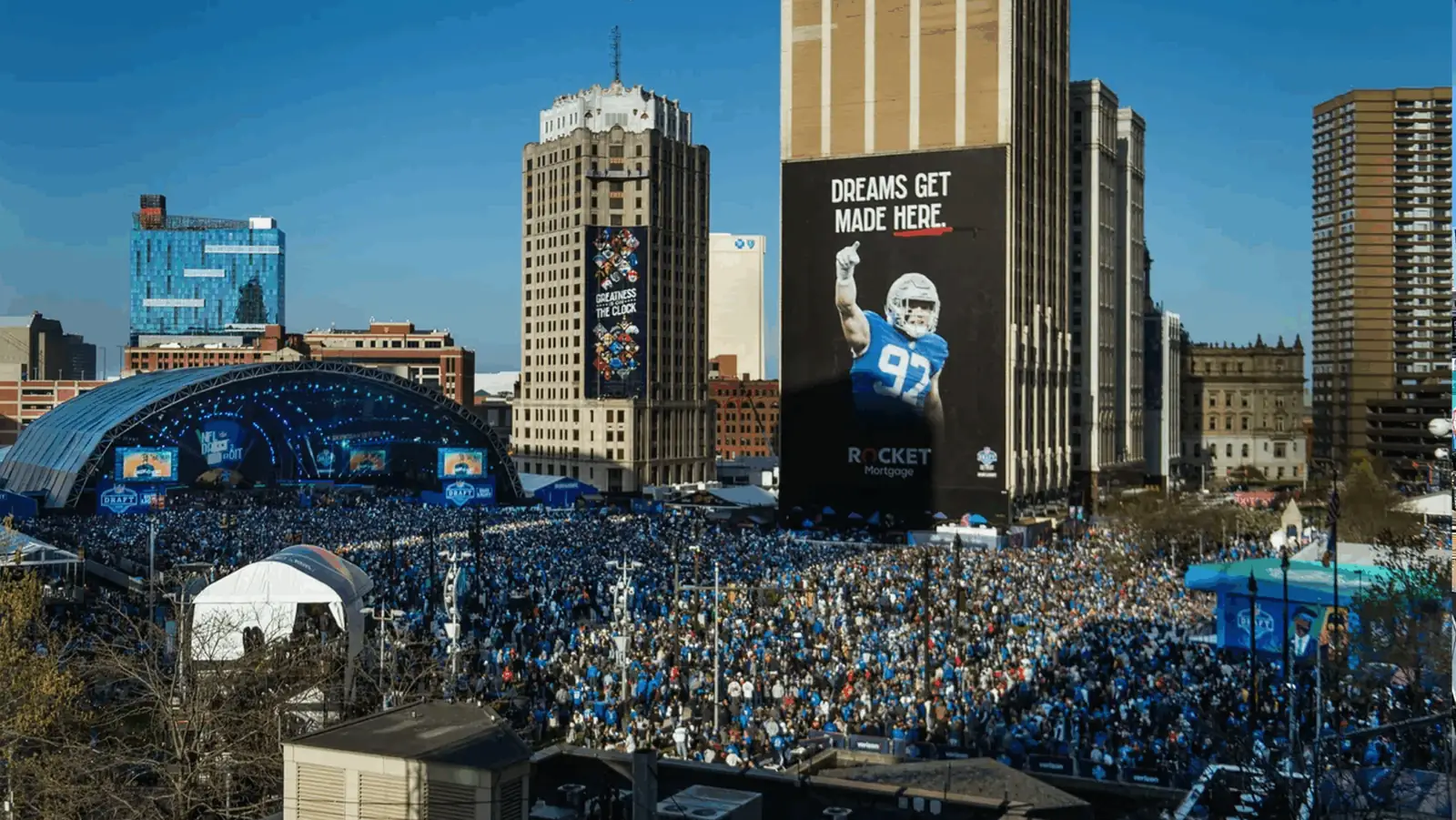
Large festivals, conferences and venues need a designed network with multiple access points and more capacity. Cronus provides full temporary internet and event Wi-Fi using fixed wireless, 5G SD-WAN and Starlink, as we did at the 2024 NFL Draft in Detroit.
Security on Temporary Networks
Temporary does not mean unprotected. The kit uses encrypted Wi-Fi, separate networks for staff and payments, and a firewall that blocks unsolicited traffic. Guest access can be limited in speed so payment systems always have room.
Costs and Planning
Cost depends on how long you need the kit, how much data you expect to use and whether Starlink is required. Booking a few days ahead allows time to test coverage at your location and configure networks for your event.
Questions to Ask Before Your Event
- How many people and devices will connect at once?
- Do you need card payments or ticket scanning?
- Is there power on site, or do you need battery operation?
- Is cellular coverage strong at the location?
- Who should we call during the event?
Tips for Reliable Pop-Up Internet
- Test on site before opening.
- Keep payments on their own network.
- Have a backup carrier or Starlink for remote spots.
- Limit guest bandwidth so sales never slow down.
Need internet for an event or pop-up?
Tell us your dates and location.
Frequently Asked Questions
How fast is the Wi-Fi Suitcase?
Speed depends on cellular coverage at your location; combining carriers and adding Starlink improves reliability.
How many people can use it?
It is ideal for small teams and events with a few dozen users. Larger events need a designed temporary network.
How quickly can I get one?
Often within a day or two, depending on availability and configuration.