











































Updated October 2026 · For restaurant owners and managers
Restaurants depend on the internet for POS, card payments, online and delivery orders, kitchen displays, reservations and guest Wi-Fi. When it goes down on a Friday night, orders stop and lines grow.
Here is what a restaurant network needs.
- POS and online orders need reliability and backup.
- Guest Wi-Fi must be separate from payments.
- Coverage must reach patios and kitchens.
- Monitoring catches problems before service.
What Restaurants Depend On
- Cloud POS and handheld ordering.
- Card payments and tap-to-pay.
- Online ordering and delivery tablets.
- Kitchen display systems.
- Reservations and waitlists.
- Guest Wi-Fi and music.
Recommended Networks
| Network | Use |
|---|---|
| POS and payments | Secure, highest priority |
| Kitchen and orders | Displays, tablets, printers |
| Staff | Office and scheduling |
| Guest Wi-Fi | Isolated, speed-limited |
Backup for Busy Nights
Add 5G SD-WAN with automatic failover so payments and delivery orders keep flowing during outages. See our guide to cloud-based POS.
Patios and Outdoor Seating
Detroit patios are busy from spring through fall. Outdoor access points extend coverage for handheld ordering and guest Wi-Fi.

Security for Payments
- Keep POS and card readers on their own secure network.
- Use a managed firewall and update equipment regularly.
- Never share the POS network password with guests or vendors.
- Limit remote access to approved POS support providers.
Multi-Location Restaurant Groups
Groups with several locations benefit from the same network design at every site, central monitoring and SD-WAN that keeps POS and online orders connected. One provider and one support line make it easier to manage every kitchen and dining room.
Guest Wi-Fi That Helps Business
A branded login page can share specials, collect emails for promotions and invite reviews, while keeping guests away from POS systems.
Keep orders flowing
Get restaurant internet, backup and Wi-Fi from a local team.
Business InternetRequest a QuoteRestaurant Internet in Detroit: Built for the Rush
Detroit’s restaurant districts are some of the busiest connections we support: Greektown on Monroe Street, Corktown along Michigan Avenue, Midtown, Eastern Market and Mexicantown on Bagley and Vernor. On a game night or festival weekend, every card terminal, online-ordering tablet and delivery app is competing for bandwidth at the same moment, which is exactly when consumer-grade internet slows down or drops.
Cronus gives restaurants dedicated bandwidth that isn’t shared with the neighborhood, plus automatic 5G backup so payments keep running if a line is cut. Our managed Wi-Fi keeps guest Wi-Fi separate from POS, and we monitor every location around the clock. It’s the same approach we used across 50+ Beyond Juice + Eatery locations and in the Greektown Smart District.
- Dedicated bandwidth that holds up during the dinner rush and on game days
- Automatic 5G failover for card payments and online orders
- Guest Wi-Fi on its own network, never mixed with POS
- Patio and outdoor Wi-Fi with weather-rated access points
- Business phones that ring every station and roll to cell after hours
Related: Greektown · Corktown · Mexicantown · Restaurant internet
Why fixed wireless fits restaurants
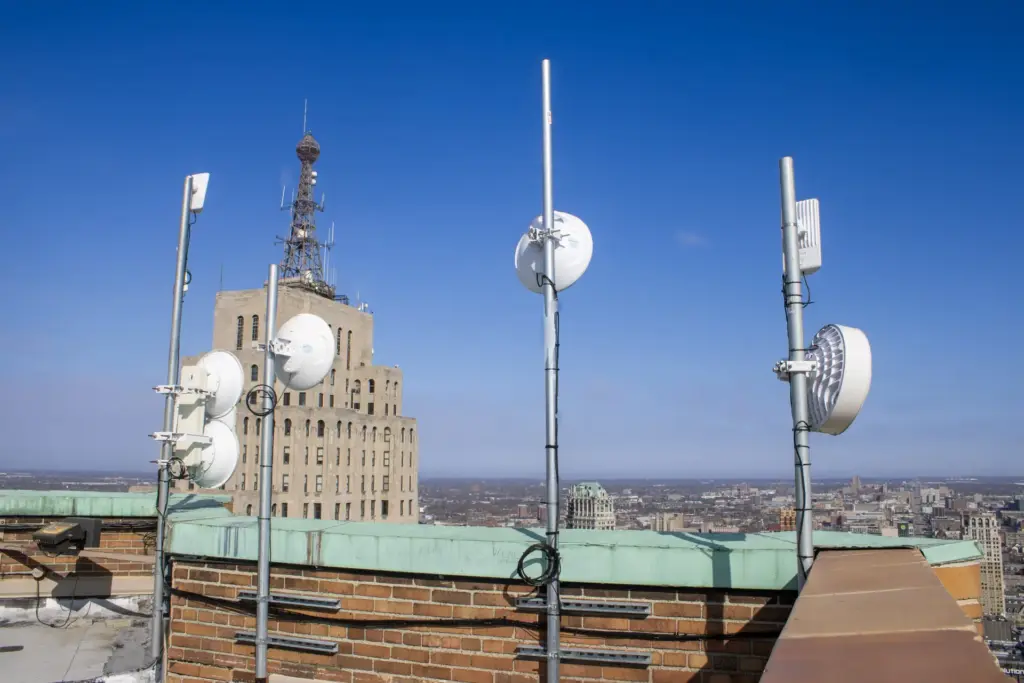
Fixed wireless delivers dedicated bandwidth that is not shared with neighboring businesses, so speeds hold up when the whole block is busy. It installs in days without opening walls or digging up patios, which matters in Detroit’s historic storefronts in Greektown, Corktown, Midtown and Eastern Market.
Proven in Greektown
Cronus built the network behind the Greektown Smart District, one of Detroit’s busiest dining and entertainment areas, with district-wide Wi-Fi for 20,000+ devices.
See internet for restaurants, explore fixed wireless internet, or get a quote.
A simple restaurant network checklist
- Dedicated primary internet sized for your POS, online orders, music and guest Wi-Fi at peak.
- Automatic backup on a different path, such as 5G, so payments never stop.
- Separate networks for POS, staff devices, guests, cameras and kitchen displays.
- Coverage everywhere including patios, bars, back offices and the kitchen.
- 24/7 monitoring so problems are fixed before the dinner rush.
- Business phones that ring every station and forward after hours.
Frequently Asked Questions
What internet does a restaurant need?
Reliable service with automatic backup, separate secure networks for POS and good Wi-Fi coverage.
Should restaurant guest Wi-Fi be separate?
Yes. Guests should never be on the same network as POS and payments.
Can Wi-Fi cover a patio?
Yes, with outdoor-rated access points.
Will fixed wireless slow down during a busy night?
No. Dedicated fixed wireless bandwidth is not shared with neighbors, so speeds stay consistent at peak times.
Can guests and staff share one internet connection safely?
Yes, with managed Wi-Fi that keeps guest, staff and POS traffic on separate networks.