


































Almost every business has Wi-Fi. Far fewer have Wi-Fi that works everywhere, stays secure and gets fixed before anyone complains. That is the difference managed Wi-Fi makes. Here is what “managed” actually means and when it is worth it.
Managed versus do-it-yourself Wi-Fi
With do-it-yourself Wi-Fi, someone buys access points, sets them up once and hopes for the best. When coverage is weak, a device fails or a firmware update is missed, nobody notices until staff or guests complain. Managed Wi-Fi is designed, installed, monitored and maintained by a provider as an ongoing service.
What managed Wi-Fi includes
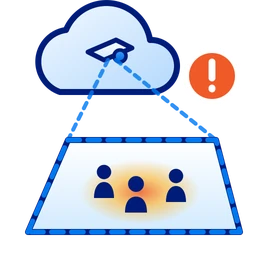
- A site survey and design that places access points for your walls, floors and layout.
- Business-grade equipment sized for how many people and devices you have.
- Separate networks for staff, guests, point-of-sale, cameras and building systems.
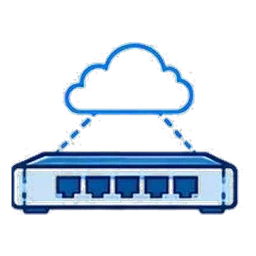
- 24/7 monitoring that catches offline access points and interference.
- Security and firmware updates handled for you.
- Guest login pages with your branding, where needed.
Why it matters in Detroit buildings
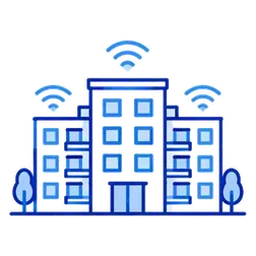
Thick plaster, brick and concrete in older downtown towers and converted warehouses block Wi-Fi signals, so a single router rarely covers the space. A proper design accounts for those materials, along with patios, basements and stairwells.
Who benefits most
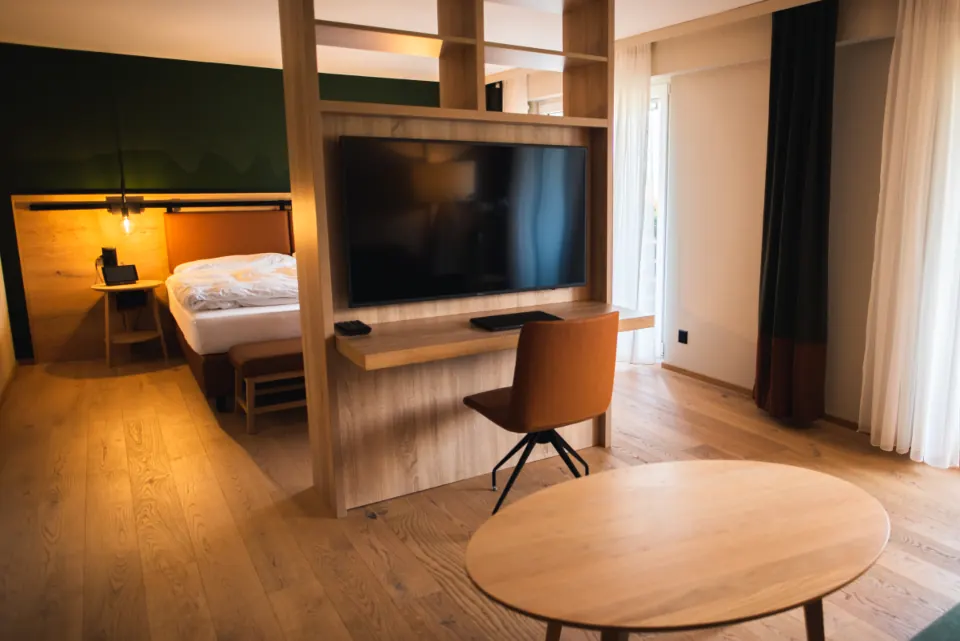
Offices with many staff, restaurants and bars with guest Wi-Fi, hotels and event venues, apartment and multi-tenant buildings, medical offices and any business where Wi-Fi problems cost money or reputation. Cronus also builds large outdoor networks, including district-wide Wi-Fi in the Greektown Smart District and free Wi-Fi in Detroit parks.
Start with a strong connection
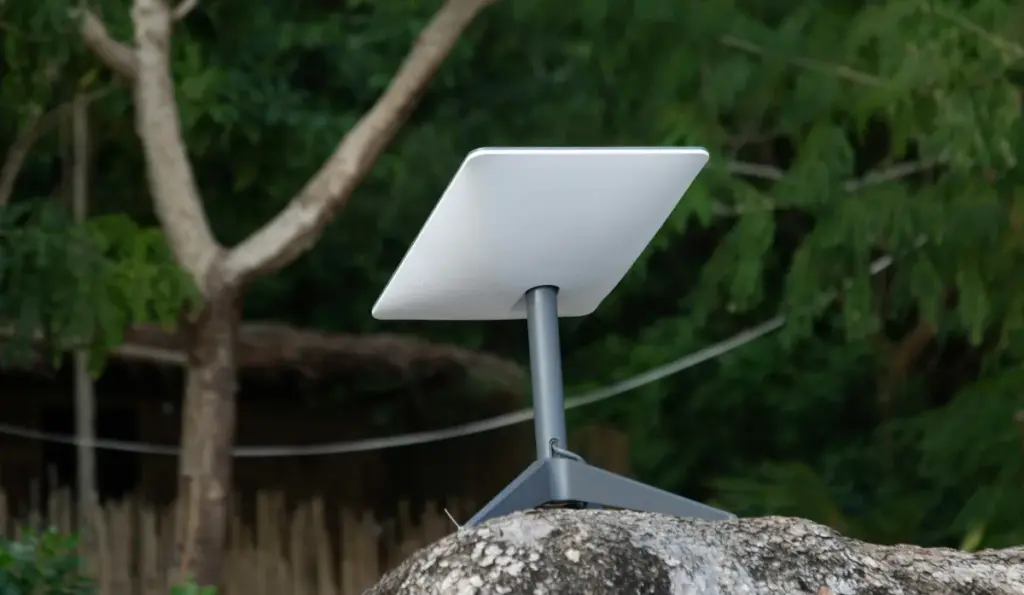
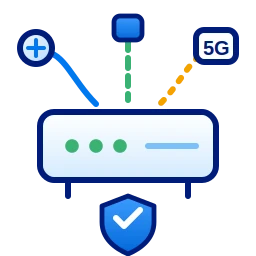
Great Wi-Fi needs a fast internet connection behind it. Cronus pairs managed Wi-Fi with fixed wireless or fiber and automatic backup.
Learn about managed Wi-Fi from Cronus, read how to improve office Wi-Fi, or request a site survey.
Questions to ask a Wi-Fi provider
- Will you survey the space first? Good Wi-Fi starts with a design, not a guess.
- Who watches it after install? Ask about 24/7 monitoring and response times.
- How are guests kept separate? Guest traffic should never touch your business systems.
- What happens when equipment fails? Managed service should include replacements.
Frequently asked questions
What is managed Wi-Fi?
Wi-Fi that a provider designs, installs, monitors and maintains for you as an ongoing service, instead of equipment you set up once and manage yourself.
Can guests and staff use separate Wi-Fi?
Yes. Managed Wi-Fi keeps guest, staff, point-of-sale and camera traffic on separate, secured networks.
Do I need new internet for better Wi-Fi?
Not always, but Wi-Fi can only be as fast as the connection behind it. A site survey checks both.