






































Michigan winters are hard on businesses in ways that go beyond icy parking lots. Heavy snow brings down power lines, ice storms knock out service for days, and the same weather that keeps customers home can leave a business unable to take orders, answer phones or process payments. With winter approaching, now is the right time to make sure your business can stay online when the weather turns. This guide covers the most common causes of winter outages and the practical steps that keep a business running through them.
Why Winter Outages Hit Businesses Hard
Most businesses now depend on the internet for nearly everything. Phones run over VoIP, payments run through cloud card terminals, schedules and records live in cloud software, and security cameras record offsite. When the connection goes down, all of those go down with it. A single afternoon offline during a storm can mean missed calls, lost sales and frustrated customers, and a multi-day power outage can be far worse.
Winter outages usually come from two sources. The first is power: falling branches and ice bring down utility lines, and when the building loses power, every router, switch and phone system inside goes dark even if the internet provider’s network is fine. The second is the connection itself: damaged cables, failed equipment or problems on the provider’s network can cut service even when the lights stay on.
Keep Your Network Powered
The simplest protection against short power outages is a battery backup, often called a UPS, for your network equipment. A properly sized battery keeps your modem or radio, router, network switch and phone system running for long enough to ride out flickers and brief outages, and gives you time to shut down safely during longer ones. The key is to put the equipment that carries your internet and phones on battery, not just your computers.
For longer outages, a generator or a larger battery system can keep the business running for hours or days. Cronus designs our own critical sites with generators and battery backup for exactly this reason, and we can help businesses size backup power for the equipment that matters most.
Add a Backup Internet Connection
A backup internet connection protects you when the problem is the line rather than the power. The most reliable approach is to use two connections that travel different paths, so a single cut cable or failed tower cannot take down both. A multi-WAN router watches both connections and moves your traffic to the working one automatically, often without anyone noticing the switch.
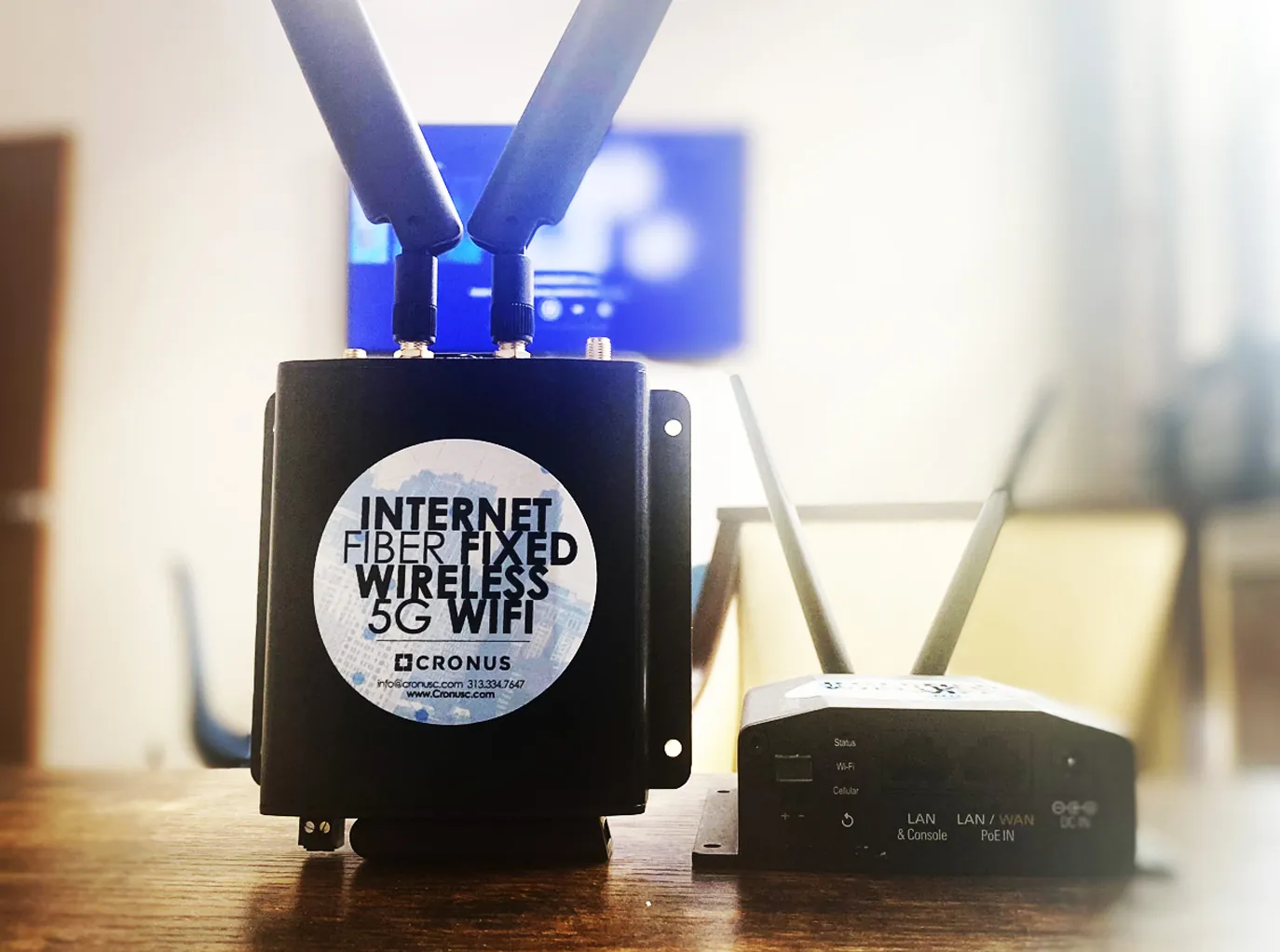
For most Detroit businesses, the strongest combination pairs a primary connection such as fixed wireless or fiber with a 5G cellular backup. Locations that need an even more independent backup can add Starlink satellite internet, which shares no cables or local towers with ground-based providers.
Know About Outages Before Your Customers Do
When power fails at a business after hours, the owner often finds out the next morning, after food has spoiled, alarms have gone unmonitored or phones have rung unanswered all night. Monitoring changes that. Cronus monitors customer connections around the clock and also tracks utility power outages across our network, so we can see when a site loses power and let you know right away.
It also helps to keep a simple plan on hand: who to call, where the battery and generator are, how to forward phones to cell phones, and how to take payments if the card terminals go offline. Posting that plan near the register or in the back office means anyone on staff can act quickly.
Protect Phones and Payments
Phones and payments are usually the two systems a business cannot do without during a storm. Cloud phone systems can forward calls to staff cell phones automatically when the office loses connection, so customers still reach a person. Card terminals that support offline mode can store transactions for a short time and send them when the connection returns, but it is worth checking how your terminals behave before you need them. Keeping both on battery backup and on a network with automatic failover covers the most common winter scenarios.
Snow and ice
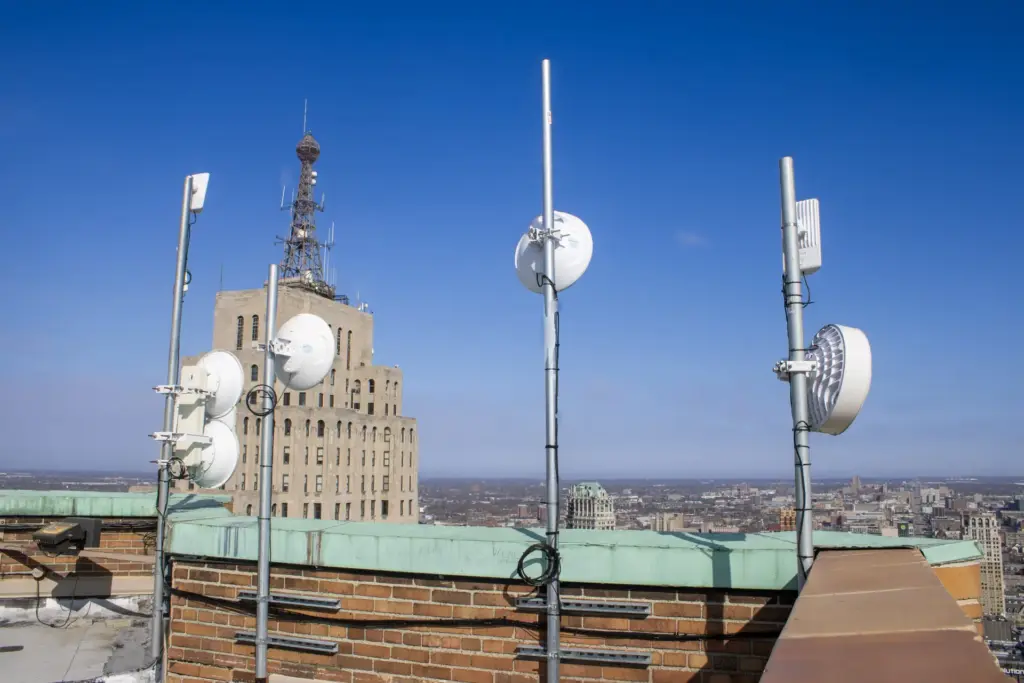
Light and moderate snow has little effect on a well-designed link. Heavy, wet snow or ice building up directly on a radio can weaken a signal, which is why radios are mounted securely, aimed carefully and monitored. Cronus’s Detroit Network Operations Center watches signal levels 24/7, so problems are spotted early.
Rain and storms
Very heavy downpours can briefly reduce signal on some frequencies. Professional link planning accounts for this by choosing the right equipment, distance and frequency for each connection.
What to ask a provider about weather
- How is the link designed? Ask about distance, frequency and fade margin for each connection.
- Is the link monitored? 24/7 monitoring means signal changes are caught before they become outages.
- What happens in an outage? Ask how fast a technician can reach your building and whether backup is available.
- Is there a written SLA? Cronus fixed wireless comes with a 99.99% uptime service level agreement.
Fixed wireless versus buried lines in winter
Winter is hard on every kind of connection. Buried lines can be damaged by frost heave, water in conduits and emergency digging, and repairs in frozen ground take longer. Fixed wireless has no cables running between buildings, so there is less to dig up and fewer places for water and ice to cause damage. For most Detroit businesses, the real protection is not the type of connection but having two independent paths, monitored by a local team.
Prepare Before the First Big Storm
The best time to prepare is before the first major storm of the season. Check that your network equipment is on battery backup and that the batteries still hold a charge, confirm how your phones and card terminals handle an outage, and consider adding a backup connection if your business has none. A few hours of preparation in the fall can prevent days of disruption in January.
If you would like help getting ready for winter, contact Cronus. Our Detroit team can review your setup, recommend backup power and backup internet options, and make sure your business stays connected all season.
Frequently Asked Questions
Does snow knock out fixed wireless?
Normal snowfall does not. Links are designed with extra signal margin for Michigan weather and monitored around the clock.
Can fixed wireless be installed in winter?
Yes. Installs do not require digging, so winter weather rarely delays them.
How do I protect against weather outages?
Add an automatic backup such as 5G SD-WAN or fiber so a second path is always available.